Your smartphone is more than just a device—it’s your camera, wallet, planner, entertainment center, and communication hub all in one. Yet many people overlook proper mobile phone care and optimization until performance starts slowing down, battery life drops, or storage fills up.
The good news? With the right habits and simple optimization techniques, you can extend your phone’s lifespan, improve speed, and keep it running like new. In this detailed guide, we’ll cover practical, beginner-friendly strategies for mobile phone care and optimization that actually work.
Let’s protect your investment and boost your phone’s performance starting today.
Why Mobile Phone Care & Optimization Matters
Modern smartphones are powerful, but they require regular maintenance. Without proper care:
-
Battery health declines faster
-
Storage fills up quickly
-
Apps become sluggish
-
Security risks increase
Routine optimization not only improves performance but also saves you money by delaying the need for a new device.
Protecting Your Phone Physically



Physical protection is the first step in mobile phone care.
Use a Quality Case
A durable case absorbs shock from accidental drops. Choose one that protects corners and edges.
Install a Tempered Glass Screen Protector
This prevents scratches and cracks while maintaining touch sensitivity.
Clean Your Phone Regularly
Use a microfiber cloth to remove dust and fingerprints. Avoid harsh chemicals that may damage the screen coating.
Keep It Away From Water and Extreme Heat
Even water-resistant phones can be damaged by moisture over time. Avoid leaving your phone in hot cars or direct sunlight.
Boosting Phone Performance
If your device feels slow, don’t panic. Optimization can restore speed.
Restart Your Phone Weekly
Restarting clears temporary memory and refreshes system processes.
Update Your Operating System
Software updates fix bugs and improve performance. Install updates promptly.
Remove Unused Apps
Apps consume storage and background resources. Delete apps you rarely use.
Clear App Cache
Cached files can build up over time. Clearing cache (not app data) frees space without deleting important information.
Reduce Animations
Lowering animation effects in developer settings can make your phone feel faster.
Improving Battery Health

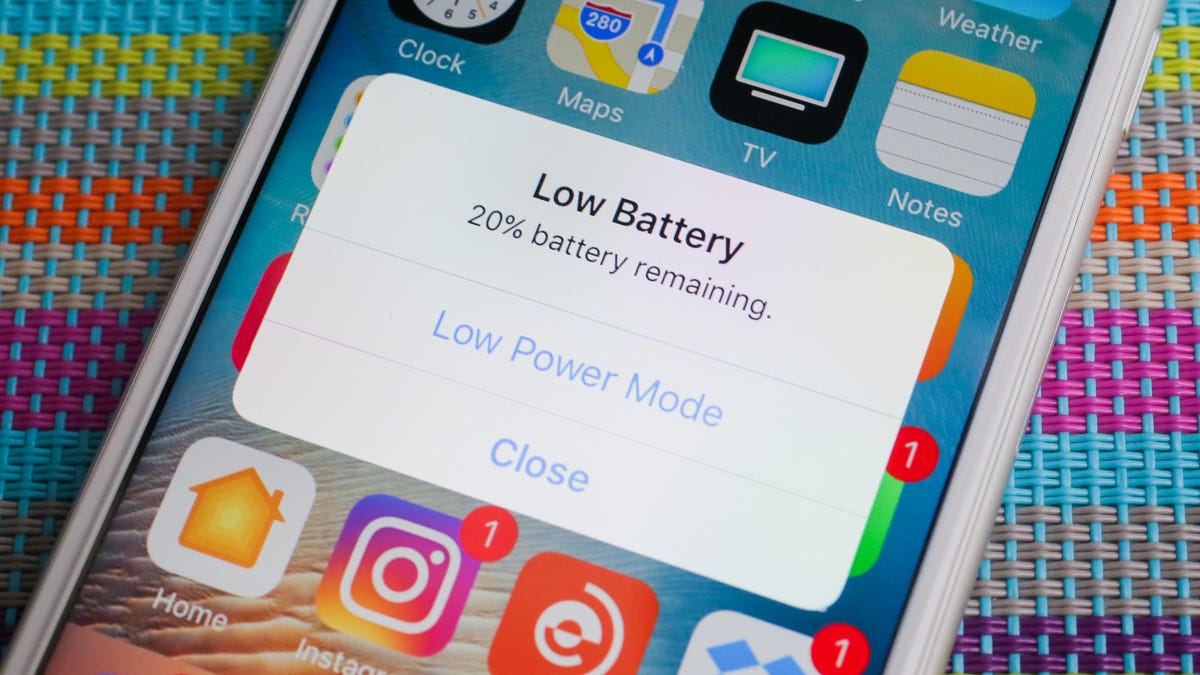

Battery performance naturally declines, but smart habits can slow the process.
Avoid Charging to 100% All the Time
Keeping your battery between 20% and 80% helps preserve long-term health.
Use Original or Certified Chargers
Cheap chargers can damage your battery and internal components.
Enable Battery Saver Mode
Most smartphones include built-in power-saving features.
Monitor Battery Usage
Check which apps drain the most power and limit their background activity.
Avoid Overnight Charging
While modern phones manage charging automatically, constant overnight charging may still generate unnecessary heat.
Managing Storage Efficiently
Running out of storage is one of the most common mobile frustrations.
Delete Duplicate Photos and Videos
Media files consume significant space. Use built-in gallery tools to identify duplicates.
Use Cloud Backup
Store photos and documents in secure cloud storage to free up internal memory.
Clear Messaging Media
Apps like messaging platforms often store shared media automatically. Delete unnecessary files regularly.
Move Large Files to External Storage
If your phone supports memory cards, use them for large media files.
Strengthening Mobile Security
Mobile phone care also includes digital protection.
Enable Screen Lock Protection
Use PIN, fingerprint, or facial recognition for secure access.
Activate Two-Factor Authentication
This adds an extra layer of security to your accounts.
Install Apps Only From Trusted Sources
Avoid downloading applications from unknown websites.
Review App Permissions
Regularly check which apps have access to your camera, microphone, and location.
Keep Antivirus or Security Apps Updated
Mobile security software helps detect malware and suspicious activity.
Optimizing Internet and Data Usage
Slow browsing and high data usage can be frustrating.
Turn Off Background Data
Restrict background data for apps that don’t need constant updates.
Use Lite Versions of Apps
Some apps offer lighter versions that consume less data and storage.
Clear Browser History and Cache
This can improve browsing speed and free up space.
Reset Network Settings (If Needed)
If connectivity issues persist, resetting network settings can help.
Signs Your Phone Needs Professional Service
Even with proper care, issues can arise. Seek professional help if:
-
The battery drains extremely fast despite optimization
-
The phone overheats frequently
-
The screen flickers or becomes unresponsive
-
You notice swelling or physical battery damage
Avoid opening the device yourself, as this can void warranties and cause further damage.
Frequently Asked Questions (FAQ)
1. How often should I restart my phone?
Restarting once a week helps maintain performance and clears temporary memory.
2. Does clearing cache delete important data?
No. Clearing cache removes temporary files but does not delete personal data or app settings.
3. Is fast charging bad for battery health?
Occasional fast charging is safe, but frequent high-heat charging may reduce battery lifespan over time.
4. How do I know which apps are slowing my phone down?
Check battery and performance settings to see which apps consume the most resources.
5. When should I replace my phone battery?
If battery health drops significantly and the phone shuts down unexpectedly, a replacement may be necessary.
Final Thoughts
Mobile phone care and optimization are not complicated—they simply require consistent habits. By protecting your device physically, managing storage, optimizing performance, and maintaining battery health, you can significantly extend your phone’s lifespan.
Regular maintenance prevents slowdowns, enhances security, and keeps your smartphone working efficiently. Treat your phone like the valuable tool it is, and it will serve you reliably for years to come.